Logos. Thumbnails.Product art.In your brand.
- Pick what you want to make.
- Nix writes the prompt from your brand kit.
- You get an image in your colors.
250 Creative Energy to try it, one time. No card.
Made in the Studio
Real logos, social graphics and product art. Nothing here is a mock-up.
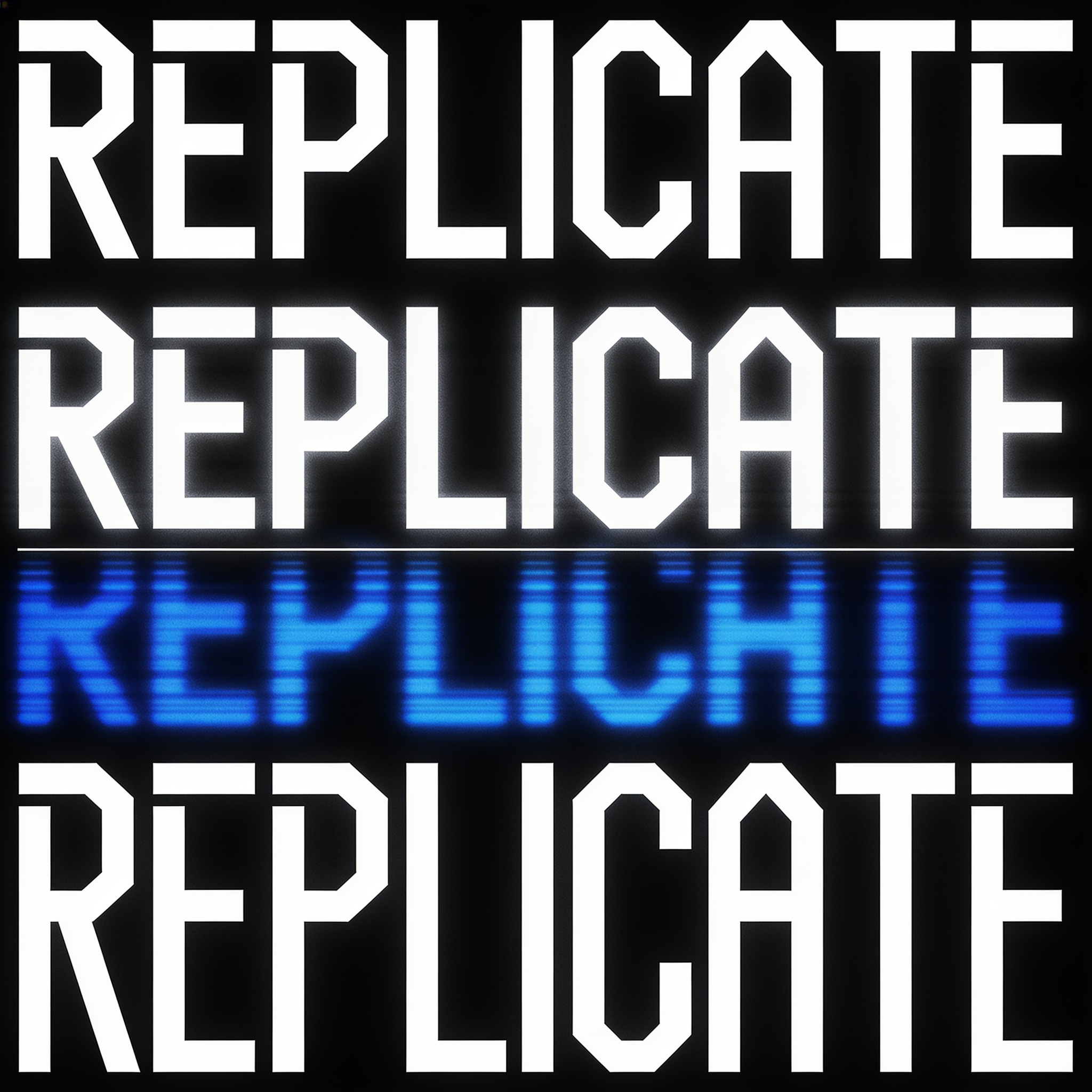
Replicate
Logo
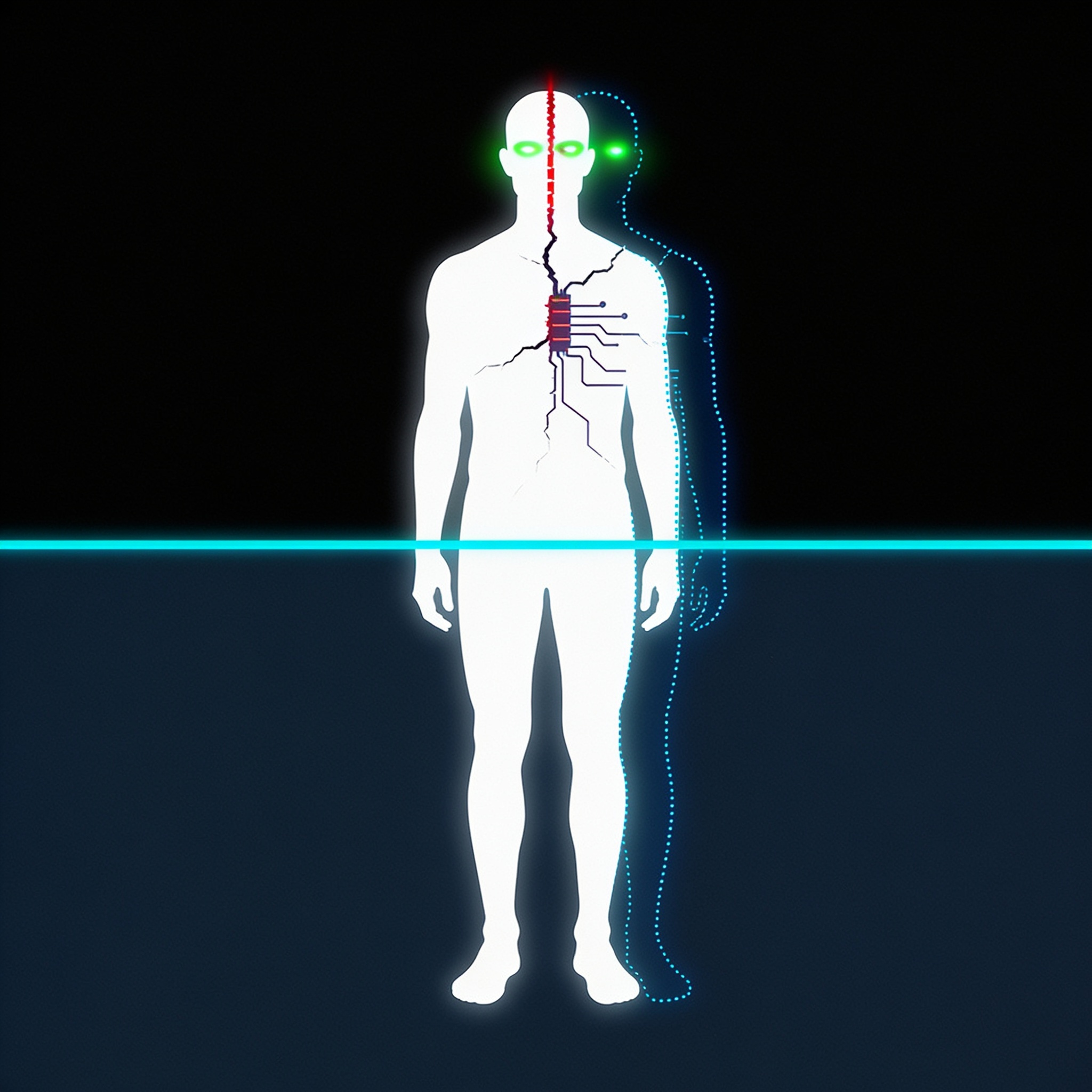
Replicate
Social
Replicate
Logo
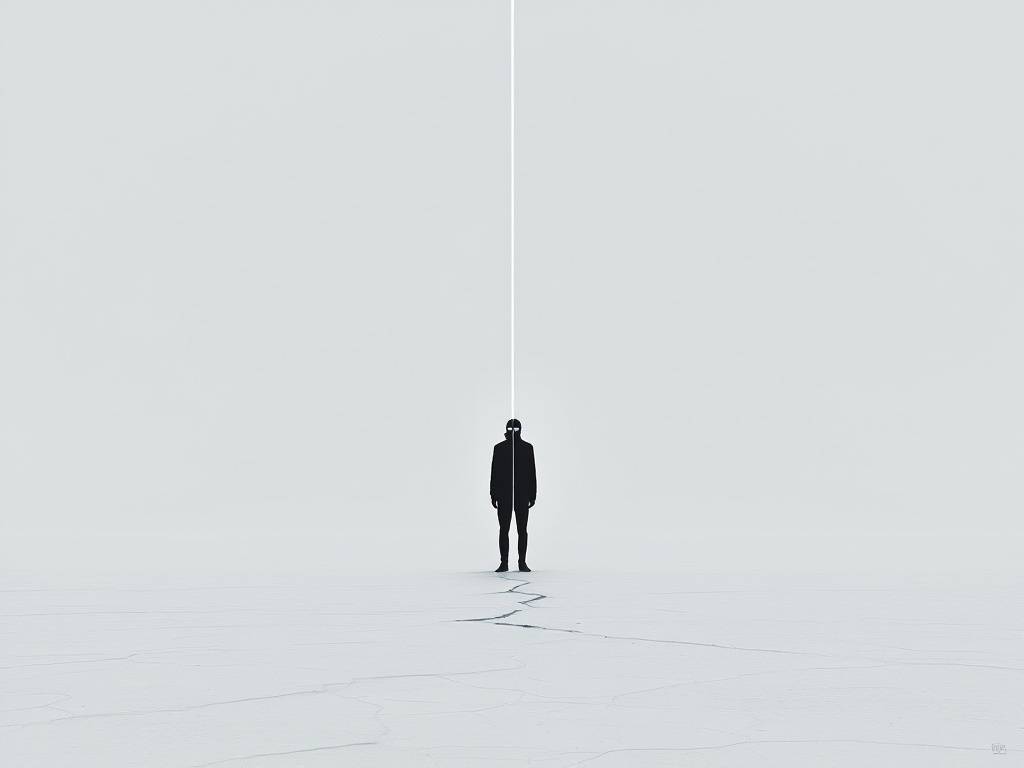
Replicate
Social
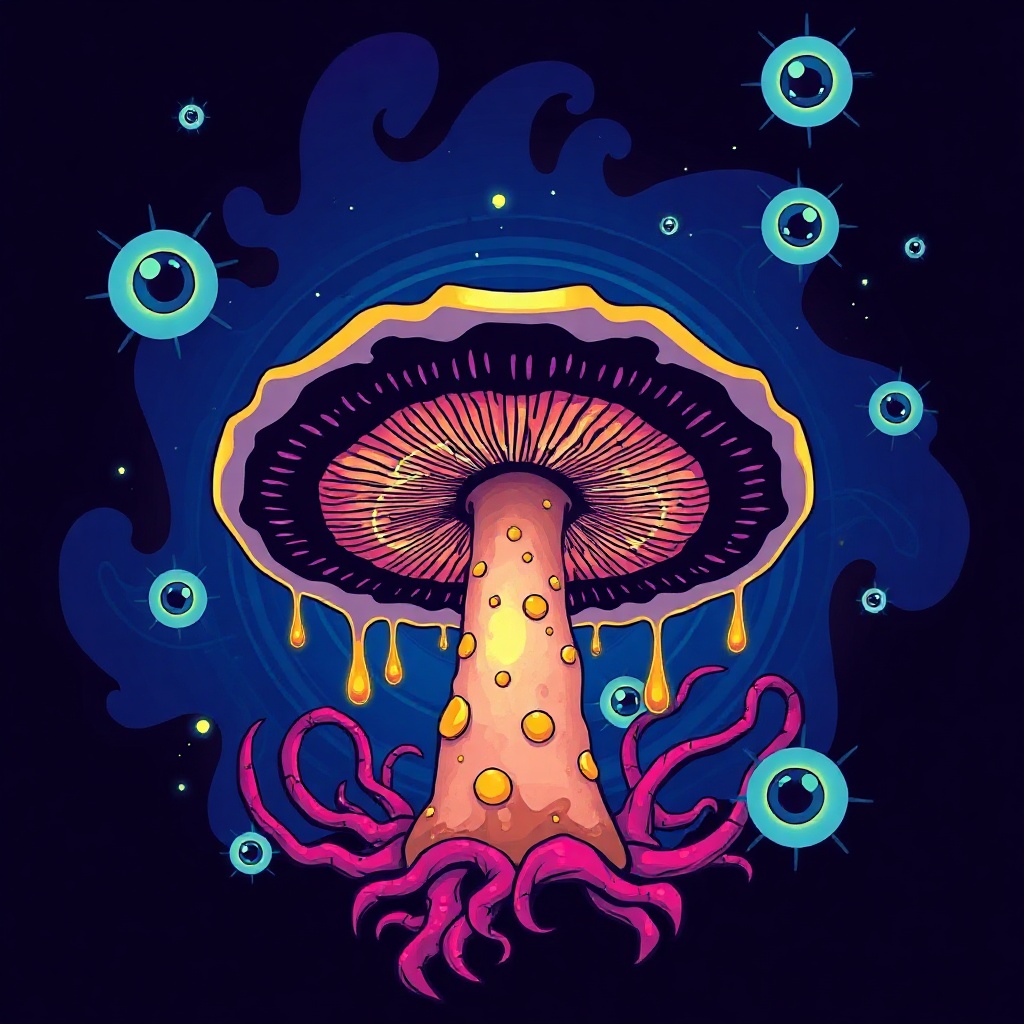
Shroomadu
Logo
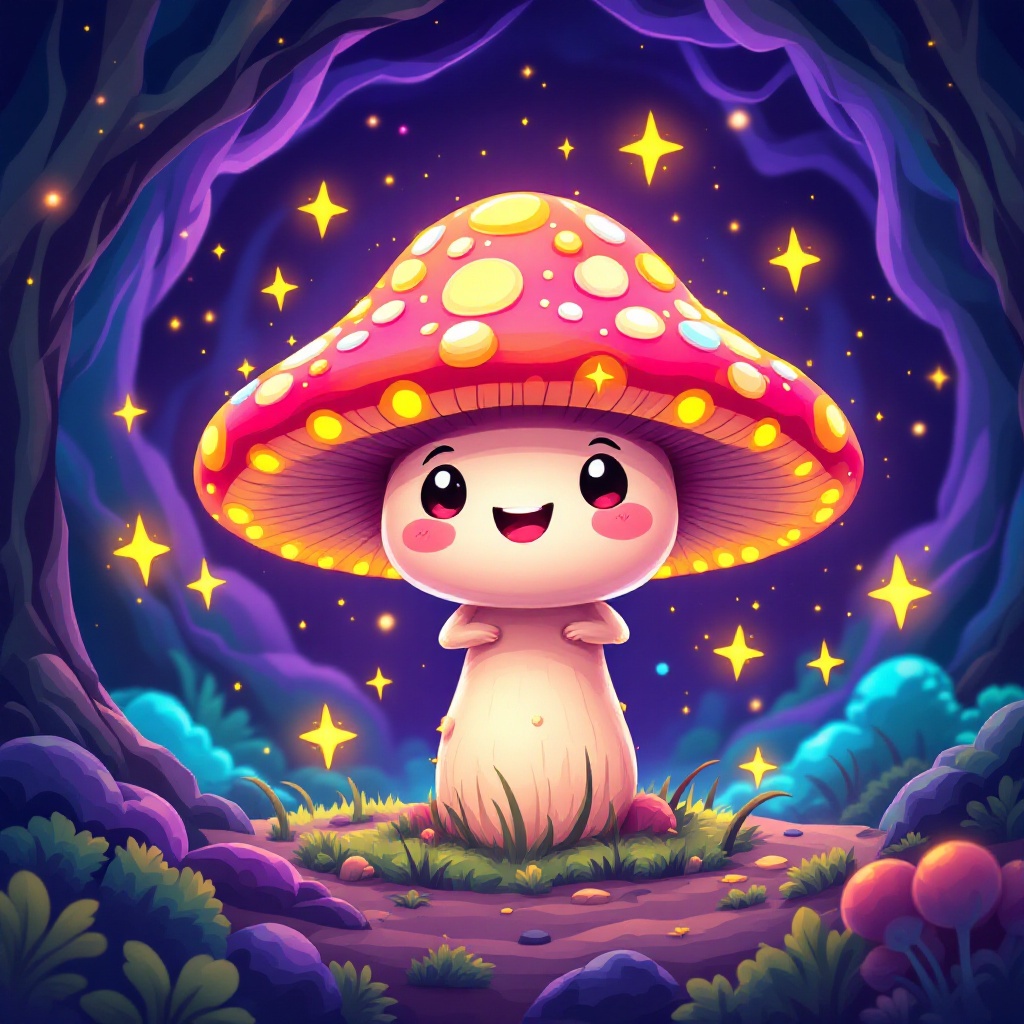
Shroomadu
Logo

Spinaway
Product Art
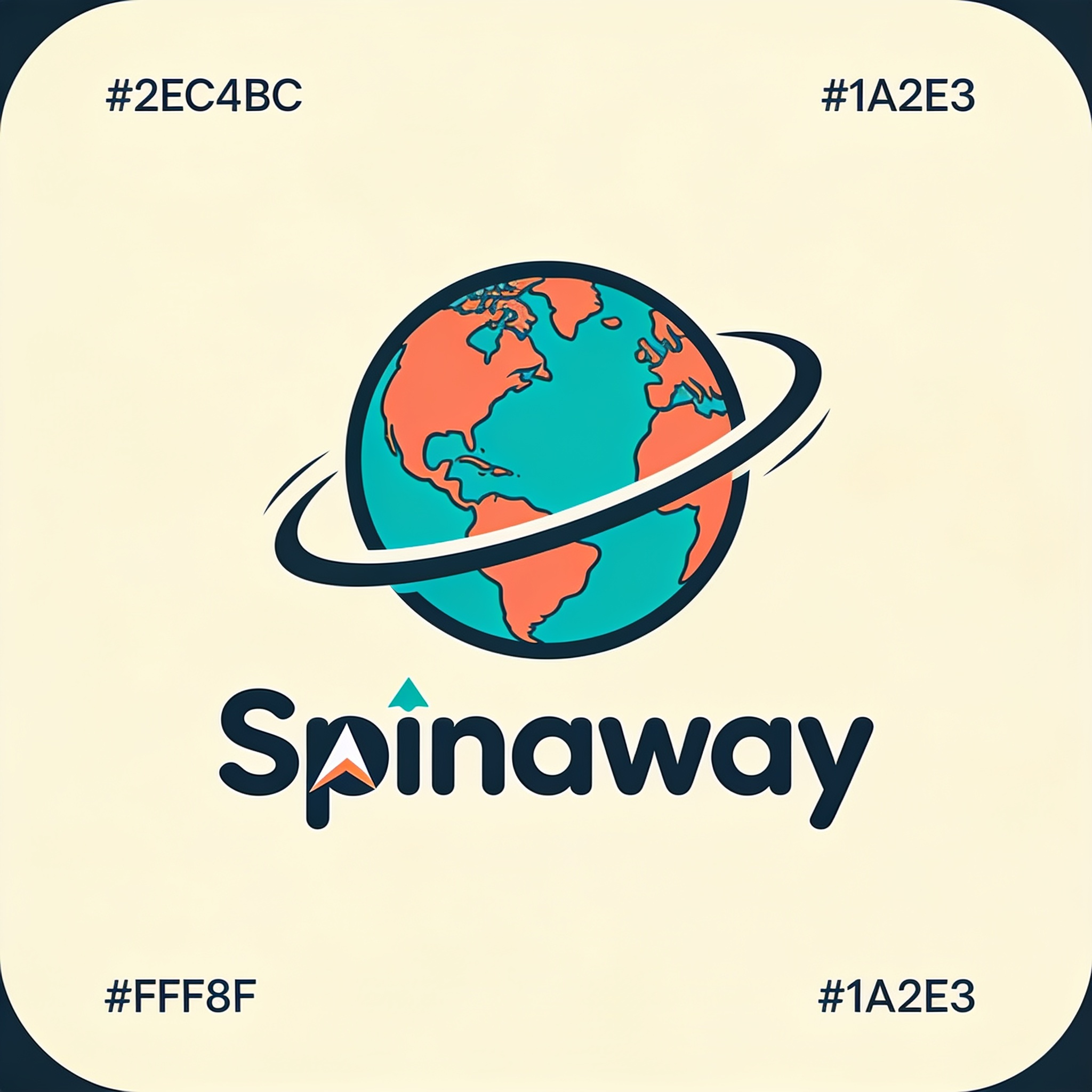
Spinaway
Social
Everything a brand needs to be seen.
Logos
An icon mark from your brand kit's direction. Pick the one you like and set it as your official logo.
Mascots
Your brand's character, drawn in your style.
Social graphics
Branded post images in your palette and fonts, so your page looks like one brand.
Product art
Your brand on a T-shirt, a hoodie, a coffee bag, a bottle, a box, a poster, a sticker or a phone case, with your official logo stamped on it.
YouTube thumbnails
Wide, 1280 by 720, built from a short form: your title, the word to highlight, your colors, and a person or your own photo.
Short-form covers
Tall, 1080 by 1920, for TikTok, Reels and Shorts.
Then tidy it: remove the background, upscale it, or ask for a variation of one you like.
Styles, one tap each
- Retro poster
- Hand-drawn
- Photoreal studio
- Neon glow
- Minimal flat
- 3D clay
- Vintage badge
- Watercolor
You choose. Nix writes. The Studio makes it.
- 1
Pick what to make
A logo, a mascot, a post, product art, a thumbnail or a cover. Each one opens with the right settings for that job.
- 2
Nix writes the prompt
It reads your brand kit, so your colors, your name and your style are in the prompt before you type a word. Change anything you like.
- 3
Conjure, then keep it
The best image engine for the job is picked for you. Tidy the result, download it, and it is yours to keep.
Try it free. Pay only when you make more.
Images cost Creative Energy. Every new account gets enough to try the Studio properly, with no card. After that you choose: top up when you need to, or take a plan if you make things every week. Nobody has to subscribe.
See all the prices →- Free: 250 Creative Energy for the Studio, one time. Three brand kits. No card.
- Top up: energy from $19. It never expires, and nothing renews on its own.
- Creator Pro: $19 a month, 1,250 energy every month.
- Creator Max: $49 a month, 4,000 energy every month.
- Yours to keep: everything you finish, on every plan.
Learn it, then make it.
Branding · 9 min
How to Create a Brand Identity for a Small Business (Step by Step)
The seven pieces every small brand needs, in the order that actually works, with a real taco truck as the example.
Read →Branding · 6 min
What Is a Brand Kit? Everything It Should Include (Checklist)
The one document that keeps every post, page and product looking like the same brand.
Read →Design · 7 min
Brand Color Palette Ideas by Industry (With Hex Codes)
Copyable palettes from real brands made in BrandGoblin, and the two rules that keep any palette working.
Read →Questions
- What can I make in Goblin Studio?
- Logo concepts, mascots, social graphics, product art, YouTube thumbnails and short-form covers for TikTok, Reels and Shorts. You can also remove a background, upscale an image, or ask for a variation of one you like.
- Do I need a brand kit first?
- The Studio works from your brand kit: that is how it knows your colors, your name and your style. Making a brand kit is free, takes about two minutes, and free members get three.
- What does it cost?
- You can try it free: every new account gets 250 Creative Energy for the Studio, one time, with no card. After that you can top up energy from $19 (it never expires and nothing renews on its own), or take a plan: Creator Pro is $19 a month with 1,250 energy, Creator Max is $49 a month with 4,000.
- Can it put my logo and brand name on things?
- Yes. Set an official logo and the Studio stamps it on your product art. There is also a switch to put your brand name on an image, and your brand fonts are saved for you.
- Can I use what I make on my website?
- Yes. If you build your site with the Website Kit, the two are made to fit: your brand file carries your official logo onto the site, and a checklist in the kit says which Studio type to make for each picture and the file name that puts it on the page. The Website Kit is sold on its own and is not part of a Studio plan.
- Do I keep what I make?
- Yes. Everything you finish is yours to download and keep, on every plan.
- How do I make a YouTube thumbnail?
- Choose YouTube Thumbnail and fill in the short form: the title, the word you want highlighted, your colors, and whether you want a person in it or your own photo. The Studio builds the image from that.
Make the brand. Then show it.
The Studio makes the look. Nix Clips gets it seen. The Website Kit gives it a home.
Try the Studio free